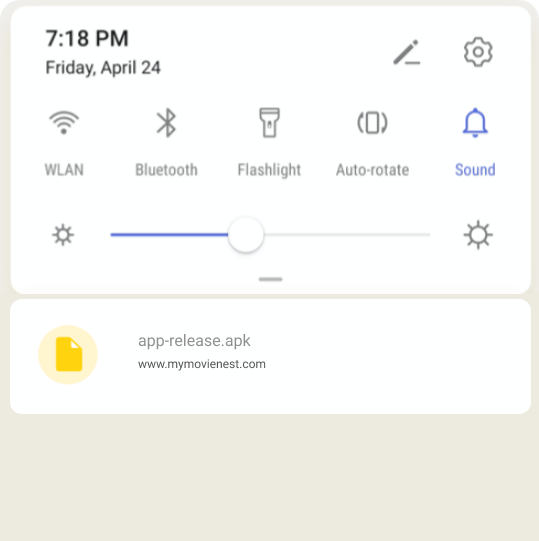
Once you have downloaded the APK file, launch it, and complete the installation of MyMovieNest app by following the steps below:
Step 1. Find the Downloaded APK
1. Click on the popup which appears in your browser when the download finishes
2. Find it in the "downloads" of your browser
3. Find it in the notification bar of your phone
Step 2. If the popup below appears in your browser, click "OK". MyMovieNest is safe for your mobile.
MyMovieNest is safe for your mobile
Security Verified
Step 3. During the MyMovieNest app install process, you may need to go to your device's "Settings" and turn on “Unknown Sources".
It's required because MyMovieNest is not on Google Play. Turn on this option won't harm you mobile.